


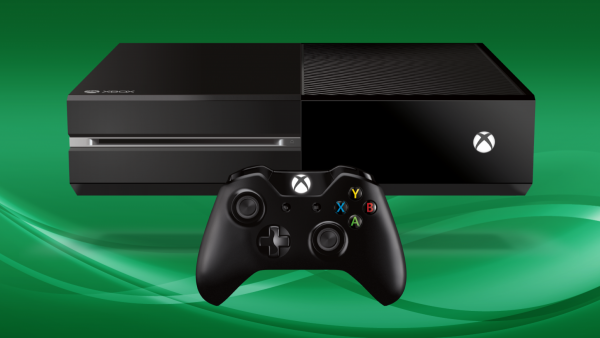

The release of Microsoft’s latest console called Xbox One has gotten everyone excited about the much anticipated console of the year. For many serious gamers wanting to get the most out of their new consoles, we need to remember that Xbox One is on a league of its own. The previous releases of Xbox 360 is not match for this console and that means it’s a whole different playing field when it comes to what accessories to go for. We all want to get the best gaming experience out of our Xbox One and so we’ve looked far and wide to come up with the best accessories for Xbox One currently available in the market. Check these accessories out if you want to really get the most out of your Xbox One.
Xbox One Charge Kit
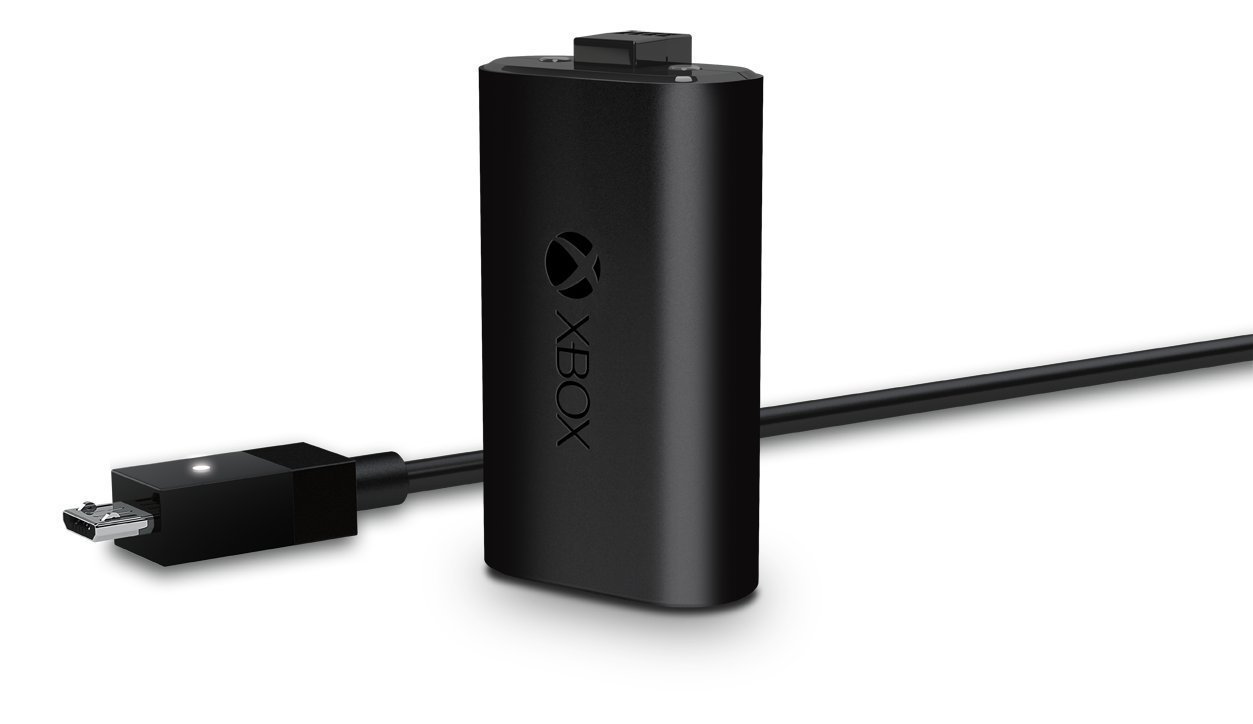 The very easy to charge and replaceable AA battery pack that comes with the Xbox One has pros and cons. For many gamers, the cons definitely outweigh the pros. Although AA batteries are easy to buy and replace every time you Xbox One runs out of juice, it can quickly add up making the Xbox One somewhat high maintenance and costly.
The Xbox One Charger kit is a lifesaver and help you save valuable time in order for you to get more game time on your Xbox One. Not only will it give you a smoother transition to charge and continuing playing, it also reduces the cost being a rechargeable device that can be easily charged at home. Ideally, you can also charge your device while you play. Each full charge will take up to 4 hours.
Kinect TV Mount
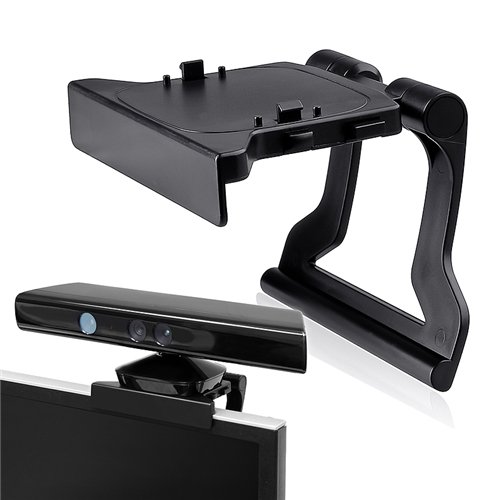
Getting the right setup for your Xbox One requires a few extra accessories to build the perfect gaming experience. If you’ve purchased the Xbox One and either the Kinect 2 Bundle or the Kinect 2 sensor, you will most likely need a Kinect TV mount. The TV mount helps you place the sensors on top of your television without any problems or hassle. It fits with all television standards and can be easily mounted to secure your sensors in the right place.
Xbox One Stereo Headset
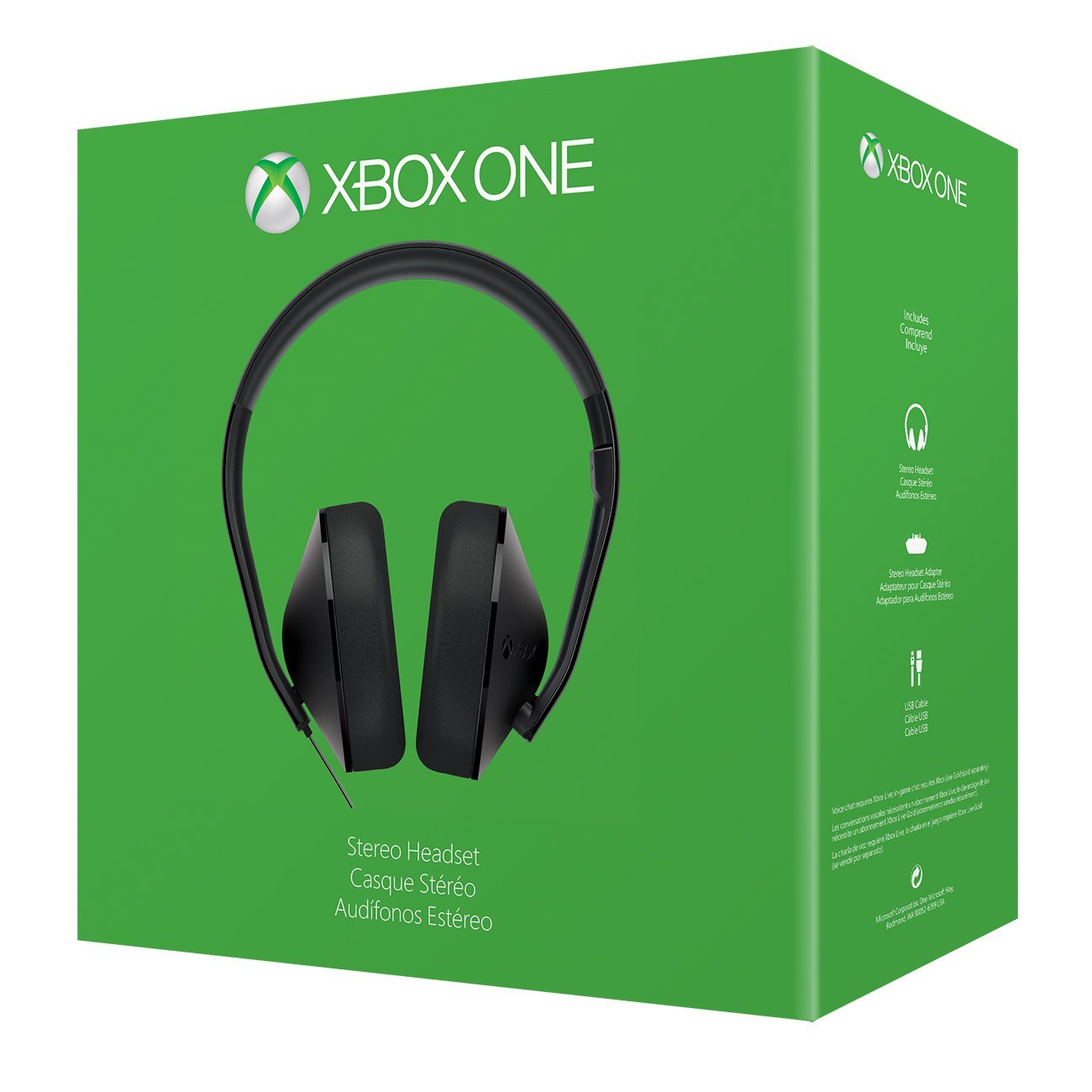 Be in the zone when playing your Xbox One with the stereo headset geared for gamers who take their video games seriously. This official Xbox One stereo headset not only give pristine sound while gaming but is easily used with the detachable headset adapter.
It provides a clear, crisp sound for voice capture if you plan to chat and interact with other players in team scenarios. Also, it’s built with lightweight durable materials that will last you years of Xbox One gaming time. Surround yourself amongst the game and heighten your video gaming experience with the surround sound that will make you feel like you are literally in the game.
Xbox One Media Remote
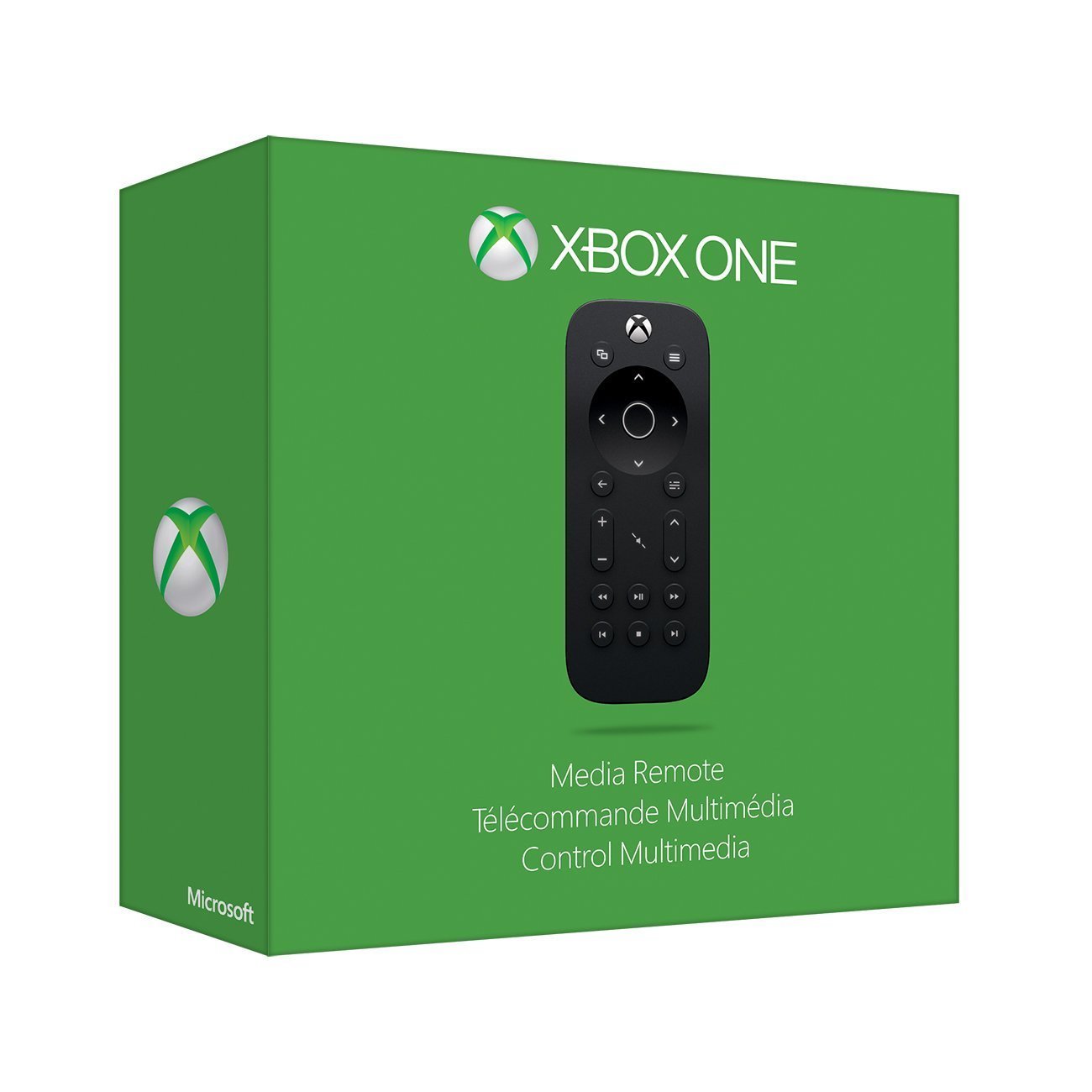 Imagine the ultimate remote that can not only connect you to your Xbox One but also allows you to control the whole entertainment package. From Blu-ray movies, streaming videos and even controlling volume and apps, the Xbox One Media Remote is ideal for those who want to use their Xbox One with ease.
The Xbox One Media Remote is another essential accessory for any gamer looking to take their gaming experience to the next level. It allows you to switch seamlessly from one entertainment channel to the next instantly. It’s super easy to use, affordable and gives you greater control.
Xbox Live Gold
 Apart from physical add-ons and accessories, you also might want to purchase a subscription to Xbox Live Gold. Although this is not a physical accessory, it is definitely worth looking into. Per month you’ll be looking at $10.00, which cheaper options if you commit to longer subscriptions such as one year for $60.00. What you get with Xbox Live Gold is the ability to access locked and exclusive offers including multiplayer online gaming, previews, and you’ll get to download 2 video games per month from a range of video games available.
That wraps up the top accessories for Xbox One. Check these accessories out in store to get the most out of your Xbox One console today. For more updates on upcoming and new accessories, be sure to check out our website regularly.
